
ASRock H370 Petunjuk-Penggunaan
345 · 146 Halaman
Bahasa indonesia



Quick check
Incorrect answer, please try again.
Chat dengan manual ASRock H370 Anda menggunakan AI
Dapatkan jawaban AI instan dari manual ASRock H370 Anda
Tanyakan apa saja tentang ASRock H370. Jawaban berasal dari manual ini, beserta halaman yang menjadi dasarnya.
Ajukan sebuah Pertanyaan
Apakah Anda merekomendasikan H370?
Ya NoPreguntas Frecuentes Preguntas
The board supports 10th Gen Intel Core processors compatible with the socket type used. Please verify the official list for full compatibility details.
341
There are two DDR4 DIMM slots available for installing memory modules for dual channel functionality.
341
Yes, the M.2 socket supports NVMe SSDs for high-speed storage performance and quick boot times.
341
Use the ASRock Live Update software or download files from the manufacturer website manually.
341
Yes, features allow tweaking memory and CPU ratios within safe operating parameters defined in the firmware.
341
HDMI, DisplayPort, and D-Sub ports provide flexible connectivity options for monitors and screens.
341
Short the jumper pins briefly or use the clear button after powering down completely to restore defaults.
341
Keunggulan dan Kekurangan
advantages

- Supports DDR4 Memory Up To 64 GB Capacity
- Includes M.2 Sockets For Fast Storage
- Realtek Audio Codec Built In For HD Sound
- UEFI Interface Available For Easy Configuration
- Solid Capacitor Construction Ensures Durability
Kekurangan

- Only Two Dimm Slots Limit Maximum Ram
- Integrated Wifi Not Included Natively
- Requires Specific Processor Generation Compatibility
- Software Utility May Be Required For Updates
- Risk Of Component Damage If Installed Incorrectly
Produk Spesifikasi
Chipset
Intel H370
Tombol/Saklar
Tidak Tersedia
Grafis
iGPU
Level RAID
0/1/5/10 (H370)
Konektor Daya
1x 24-Pin ATX, 1x 8-Pin EPS12V
Fitur
Audio+Kapasitor Solid, Dukungan TPM 2.0 Onboard (Intel PTT)
Tipe USB
Tautan
product description
Unlock Potential With the ASRock H370 Platform
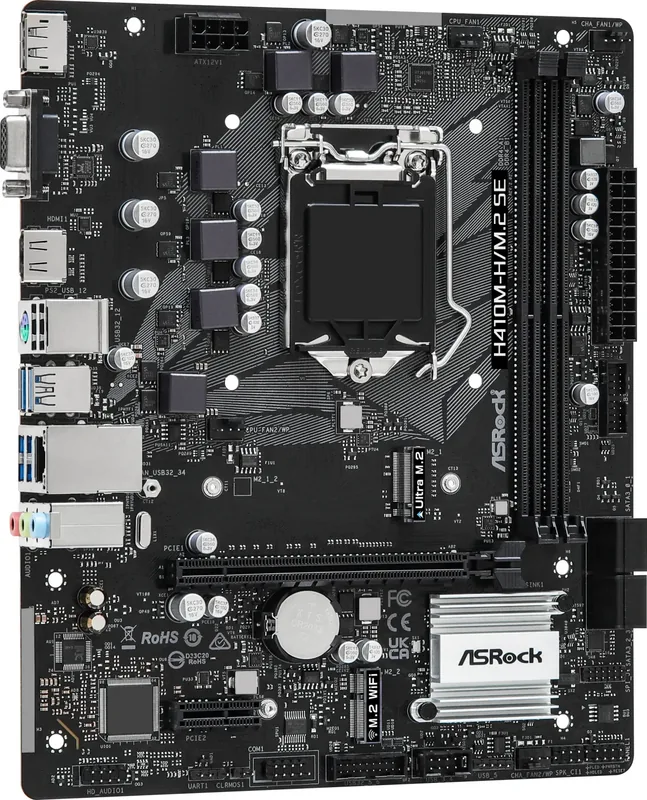
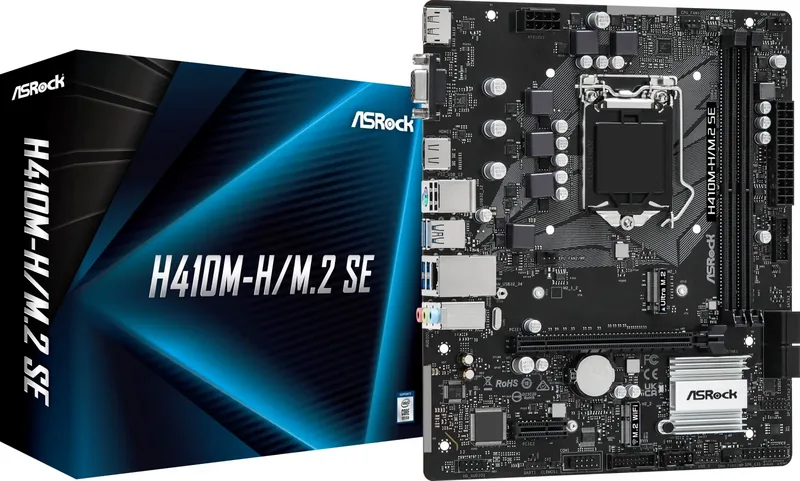
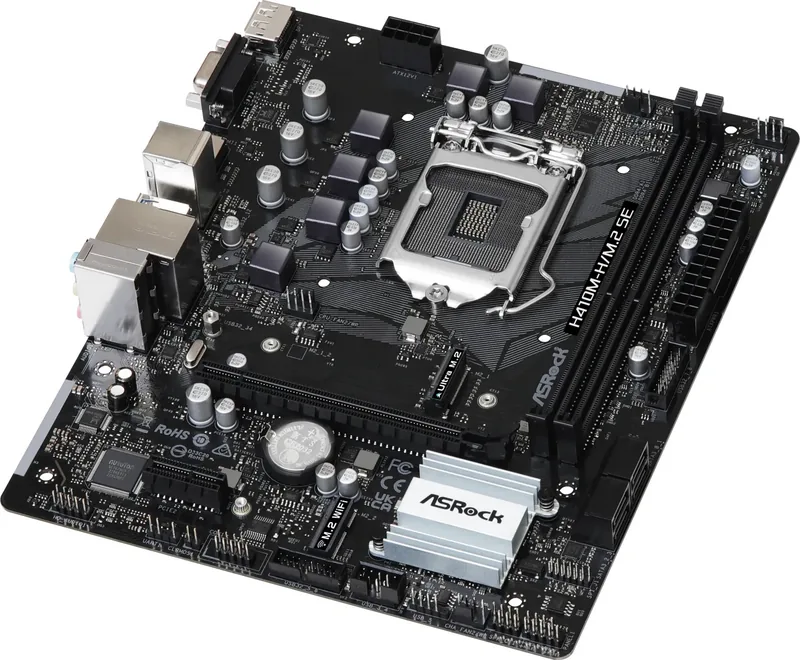
Building a reliable computer starts with the right motherboard. The ASRock H370 series delivers strong performance tailored for demanding tasks. While referencing the detailed guidelines found in the ASRock H370 Manual helps optimize setup, the hardware speaks for itself through engineering quality. It supports 10th Gen Intel Core processors for enhanced computational speed. The compact micro ATX size fits easily into most cases without sacrificing essential features. Design elements prioritize durability using solid capacitor construction throughout the circuit layout to maintain signal integrity.
Memory And Storage Solutions
Efficiency matters when processing data streams continuously. This board uses dual channel DDR4 memory technology supporting up to 64 GB total capacity across its two main slots. Users can enable XMP profiles to exceed standard frequency limits quickly for better gaming performance. Storage expands via four SATA3 connectors supporting RAID configurations for data redundancy. An M.2 socket accommodates NVMe drives for ultra-fast boot times and application loading speeds exceeding traditional hard disk performance significantly. Backups are crucial for protecting valuable files stored on these connected units.
Visual And Connectivity Features
Graphics capabilities rely on the integrated processor visuals compatible with supported CPUs for basic display needs. Video outputs include HDMI and DisplayPort connections for clear resolution support up to 4K standards. Digital audio streaming is handled by dedicated HD audio codecs for rich sound reproduction. Network connectivity utilizes gigabit Ethernet ports for stable internet connections without interruption. USB ports cover both older legacy devices and newer high-speed peripherals conveniently located on the rear panel for easy access during daily operations. Front headers allow additional internal device connection options.
Customization And Maintenance
Controlling your system involves accessing the UEFI interface directly upon startup. Advanced modes allow precise adjustments for overclocking enthusiasts who push hardware boundaries. Utilities help monitor temperatures and adjust fan speeds automatically to reduce noise. Keeping drivers updated through the software shop ensures compatibility with new applications and patches. Always follow safety precautions regarding static electricity during component changes to protect the sensitive circuitry from discharge events.
Assembly And Installation Tips
Careful handling prevents costly errors during initial build procedures. Unplug power sources before inserting components into any socket area to avoid shorts. Align pins perfectly when placing central processing units into their designated positions to prevent bending. Tighten screws moderately to avoid cracking the PCB material beneath them. Use grounding straps to neutralize static charges present on clothing or skin before touching electronic parts. These steps ensure a safe environment for successful deployment of all system hardware components together. Long term stability depends on these fundamental practices.
Cari 67.706 Manual online


Ketik Merek atau Model